Ai Wedding Photo Editing for Wedding Photographers
Clean, consistent colour correction to accelerate
delivery of large wedding & event galleries
No credit card required
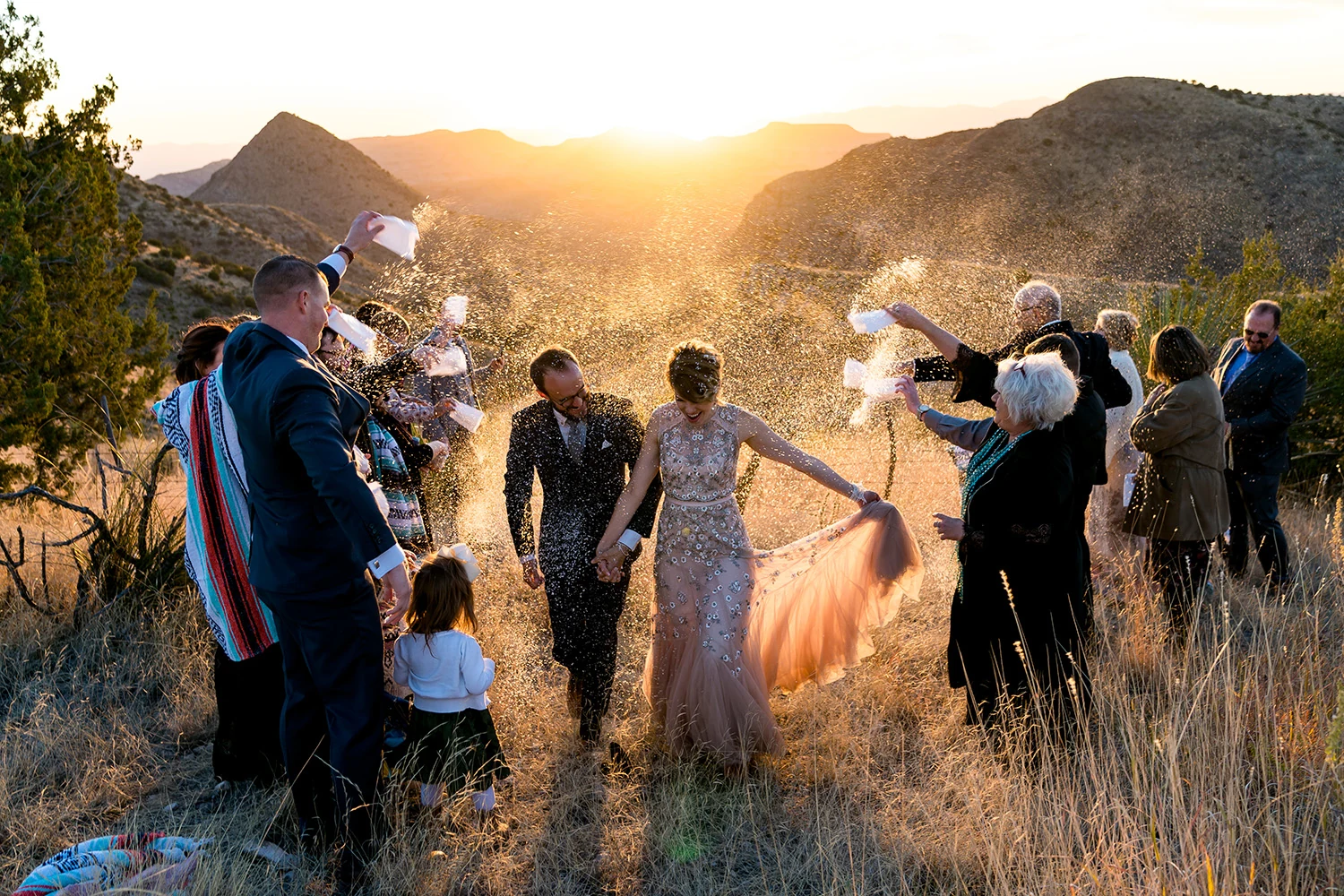
What Is Ai Wedding Photo Editing and How Does It Fit Your Workflow?
Wedding photography comes with volume, changing light, tight turnaround times, and a lot of visual variation across a single day. The challenge is not just editing one beautiful image; it is carrying a gallery through prep, ceremony, portraits, reception, and dance floor in a way that feels cohesive.
PHAiTO helps create a clean, balanced first pass on a full wedding gallery, so photographers don't have to start from scratch on every image. The intention is not to replace a photographer's artistic edits, but rather support the earlier stage of the workflow where colour correction and other baseline adjustments start to take shape.
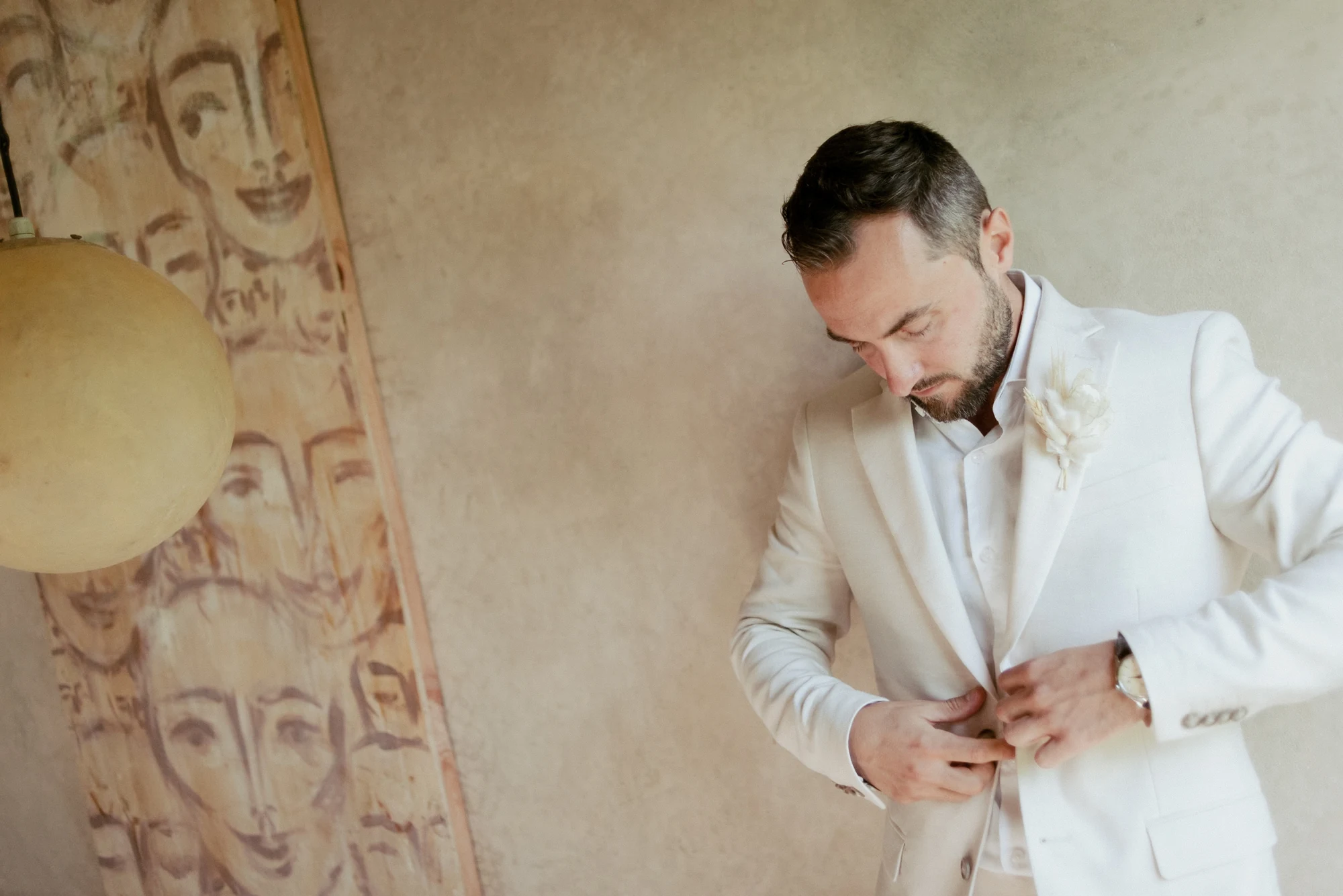


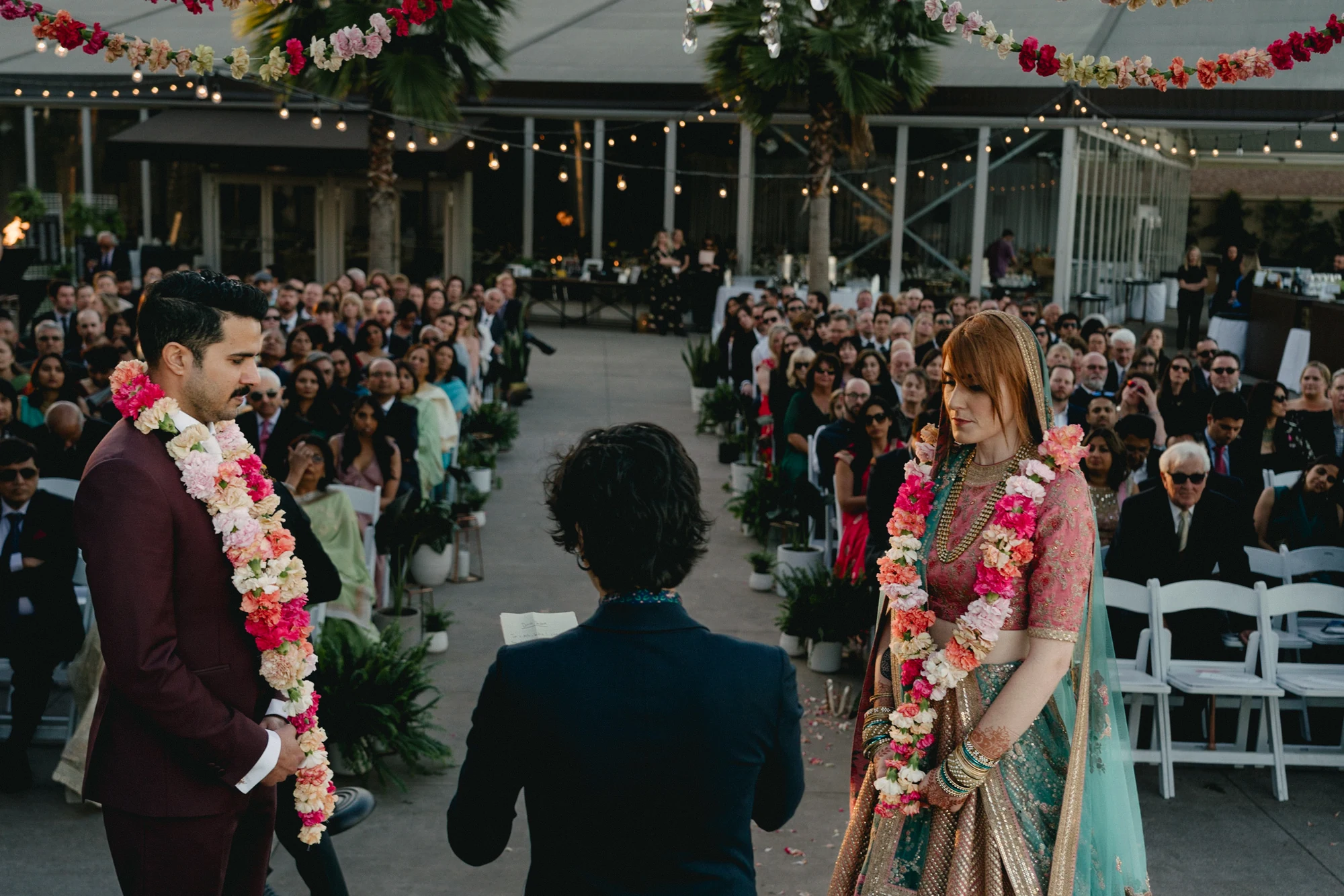

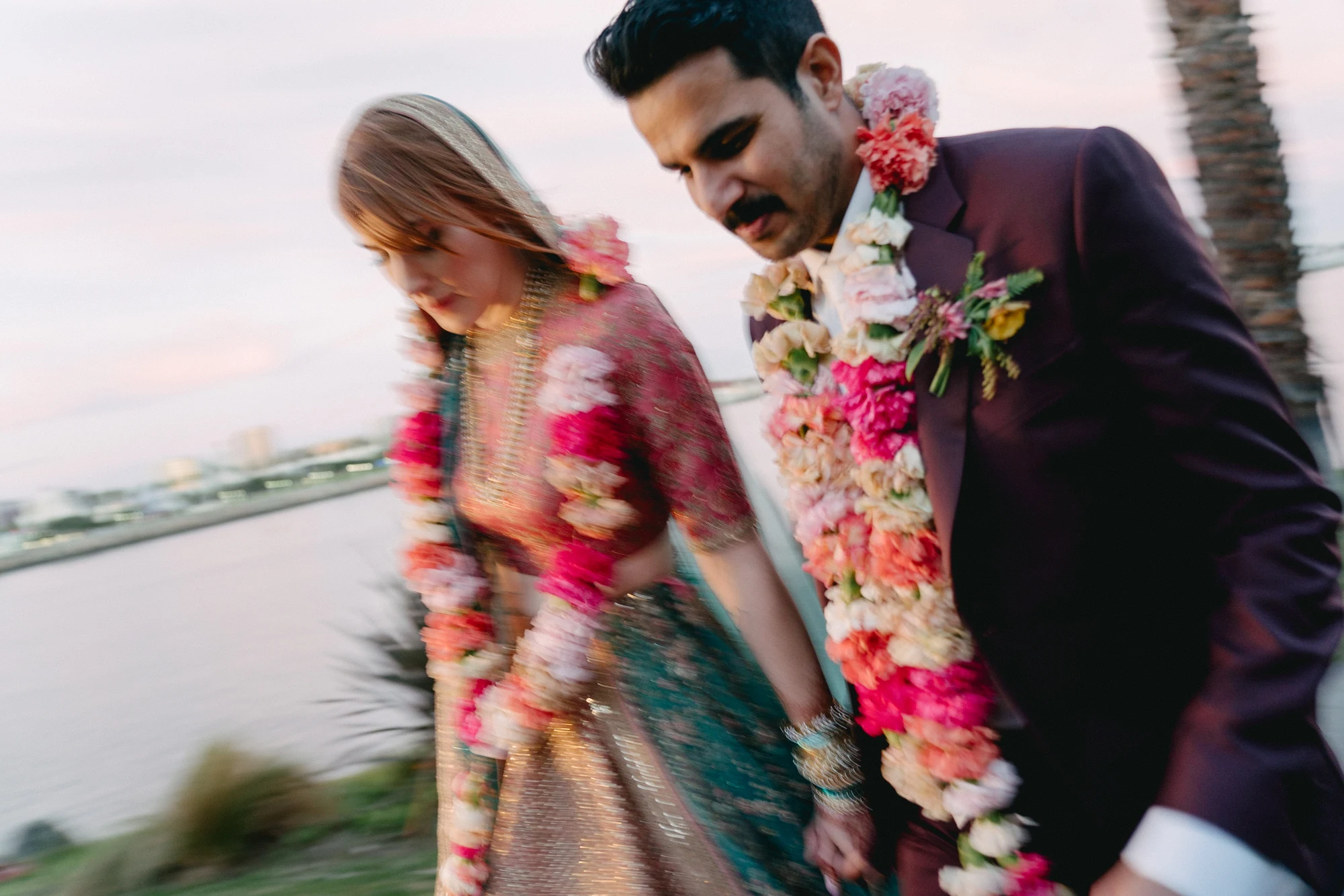

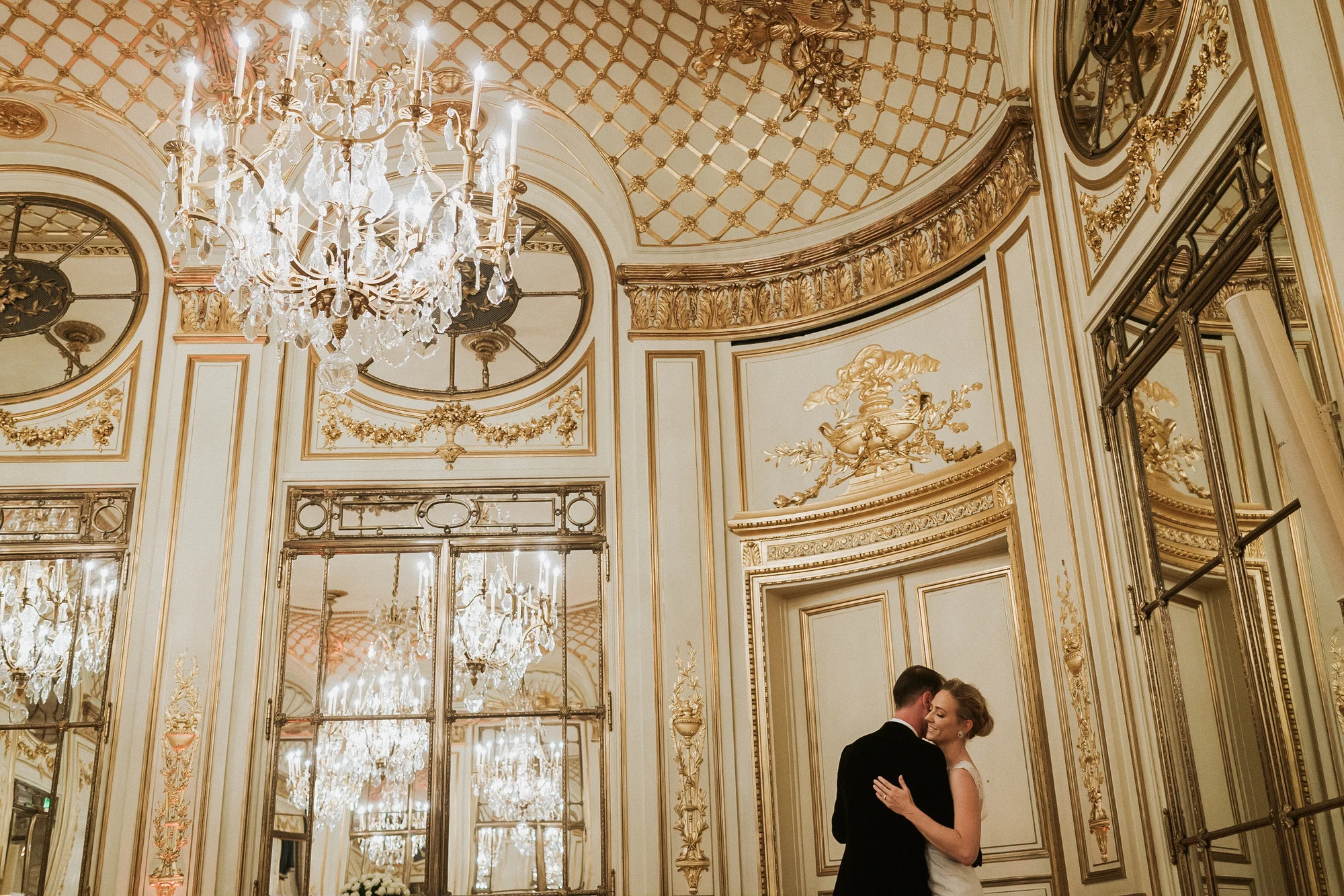
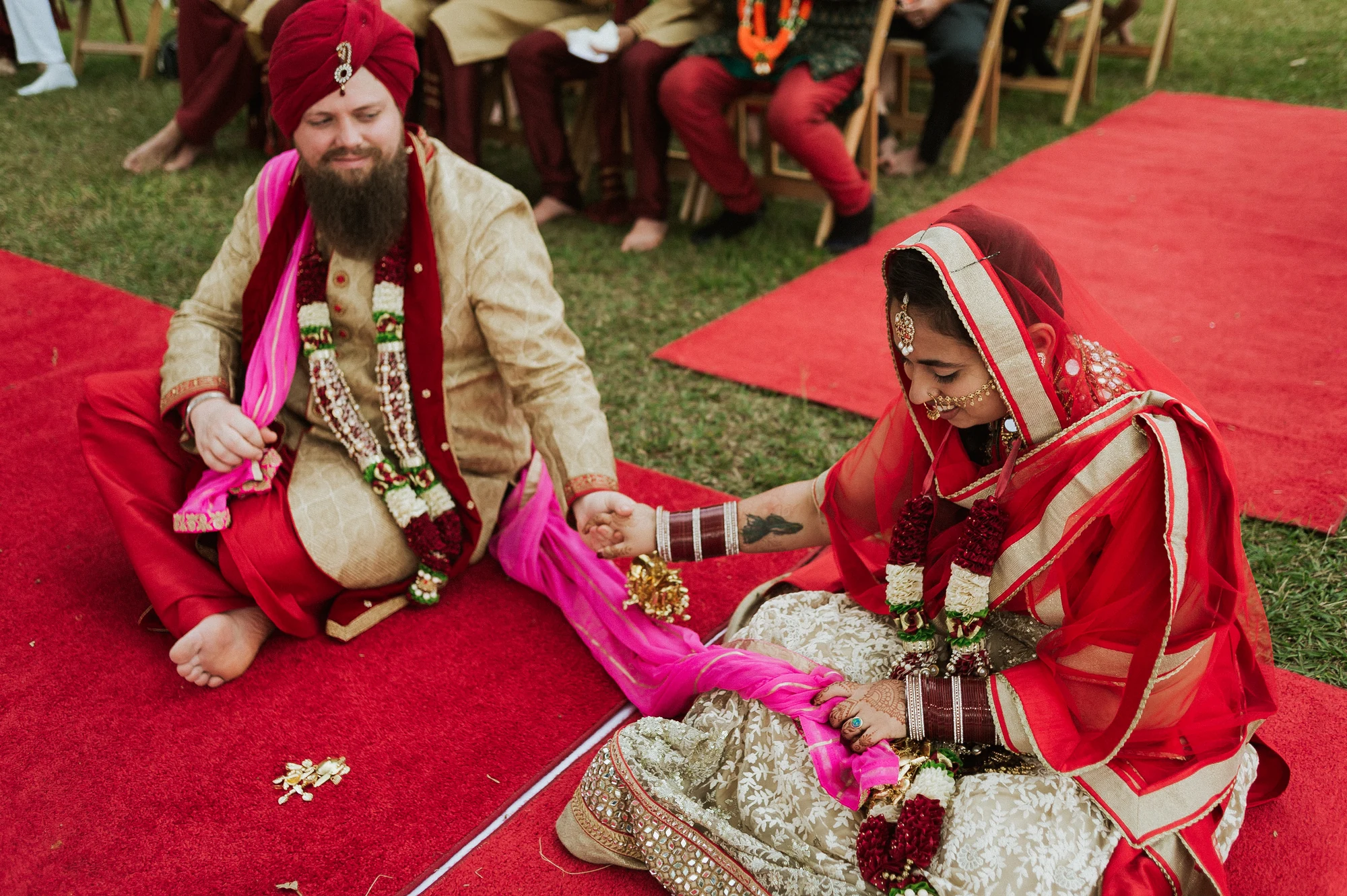
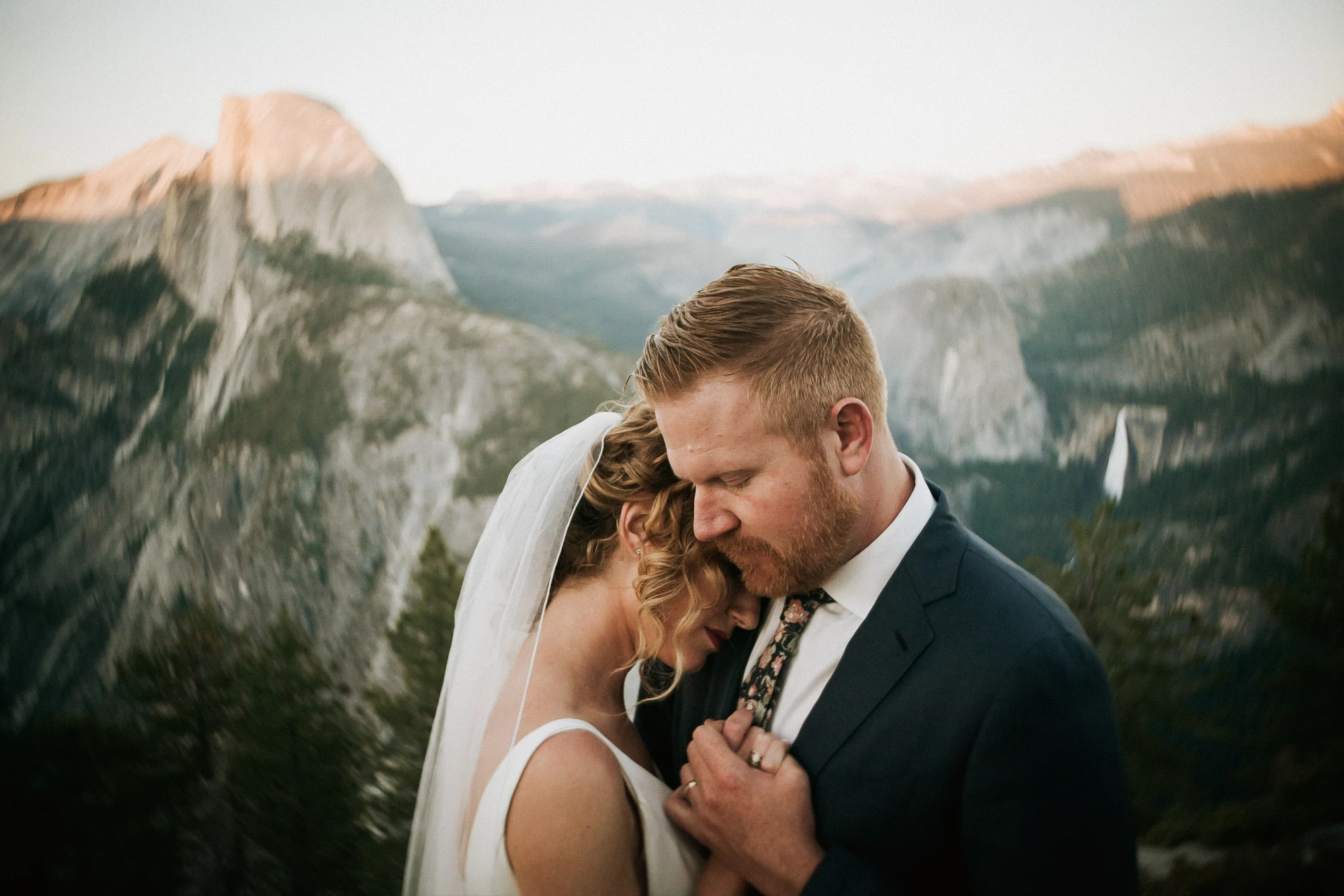
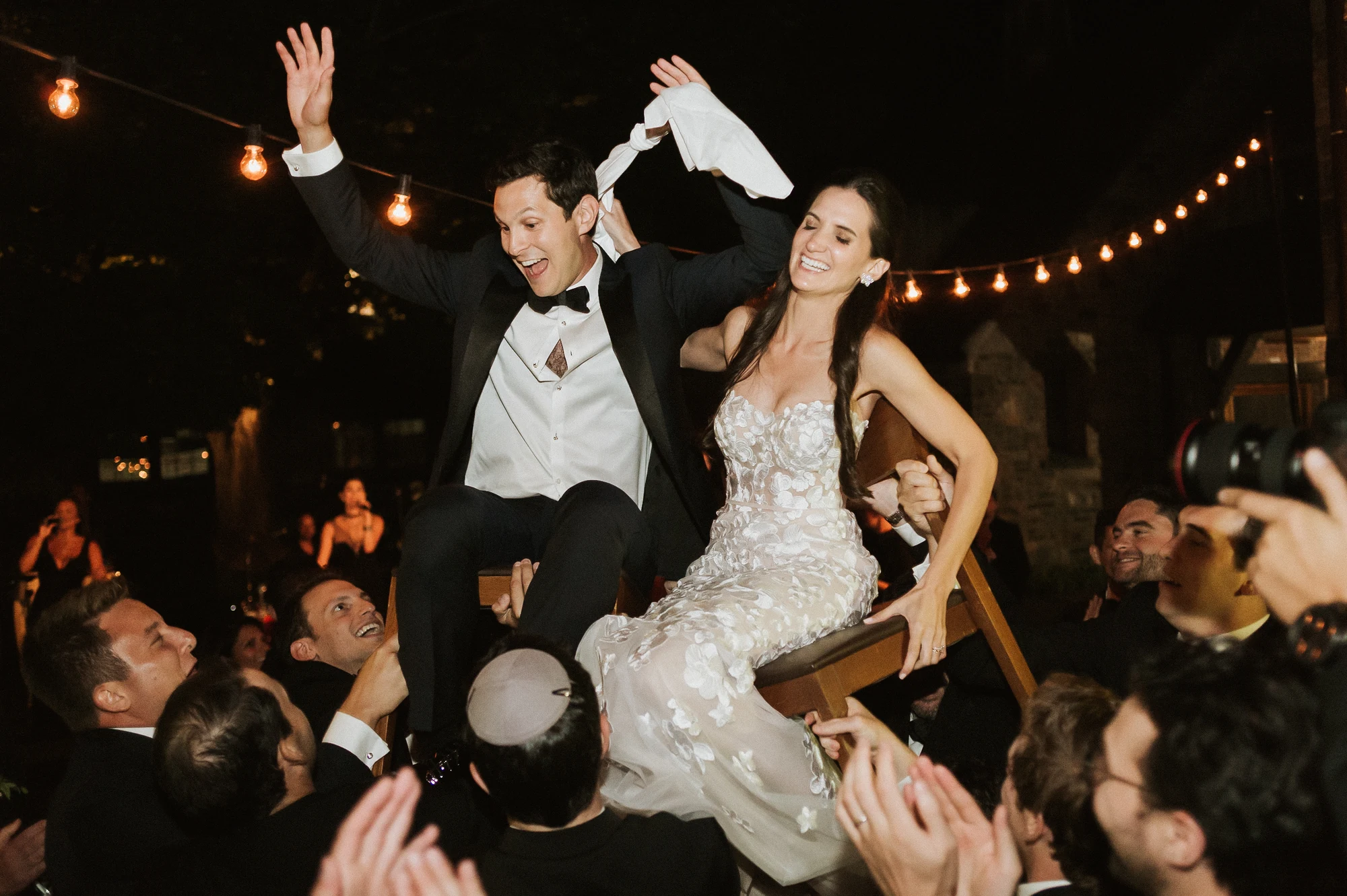

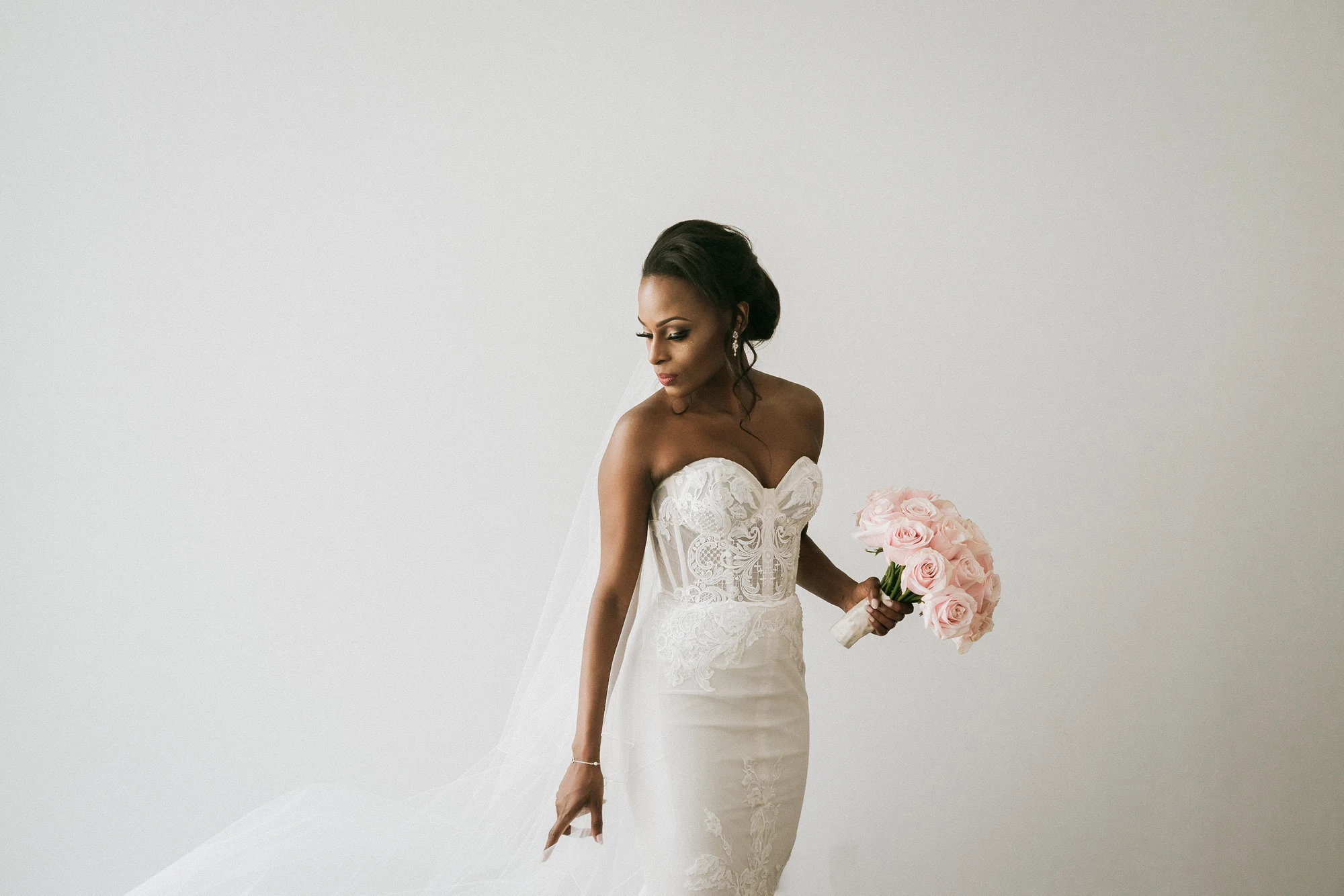
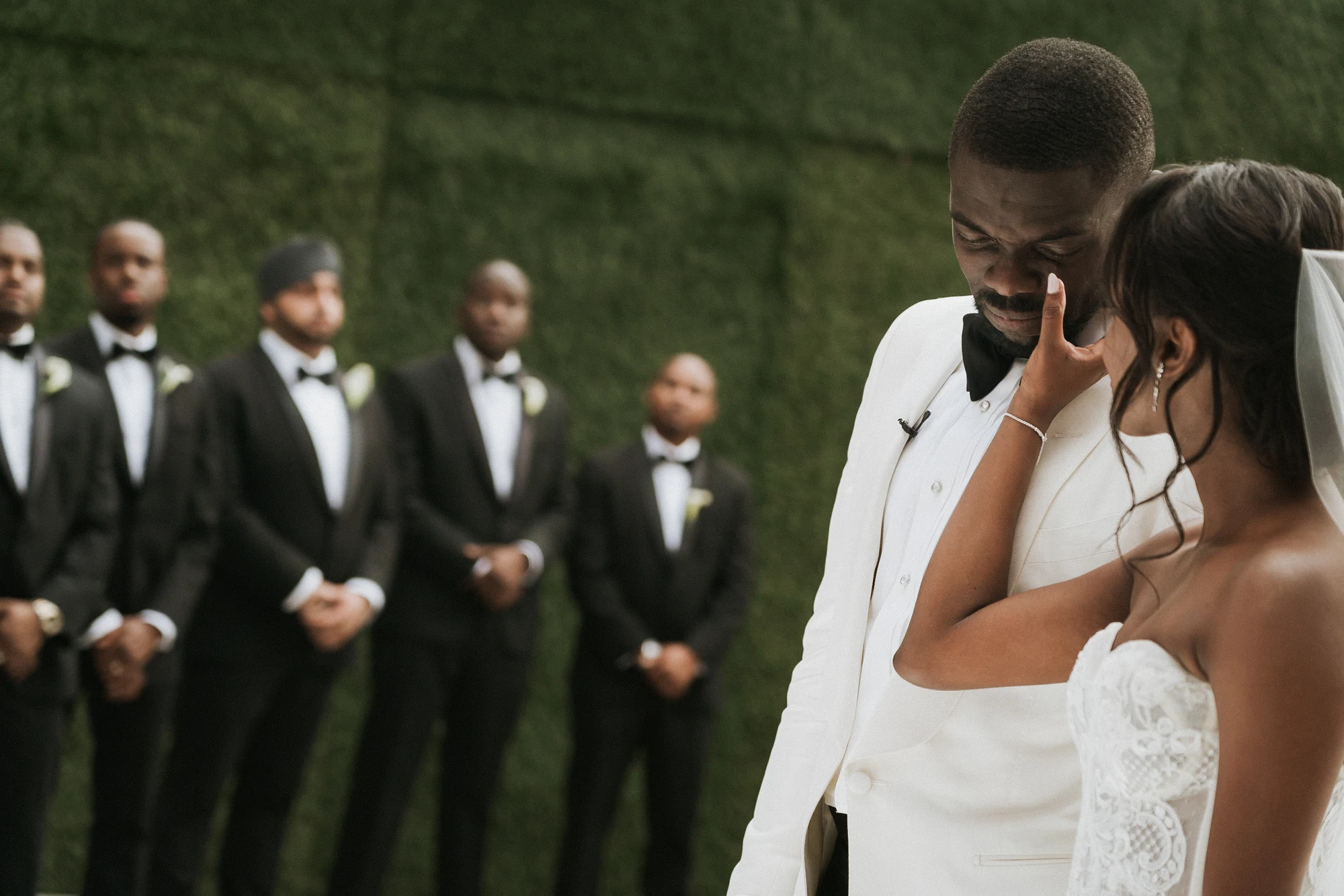
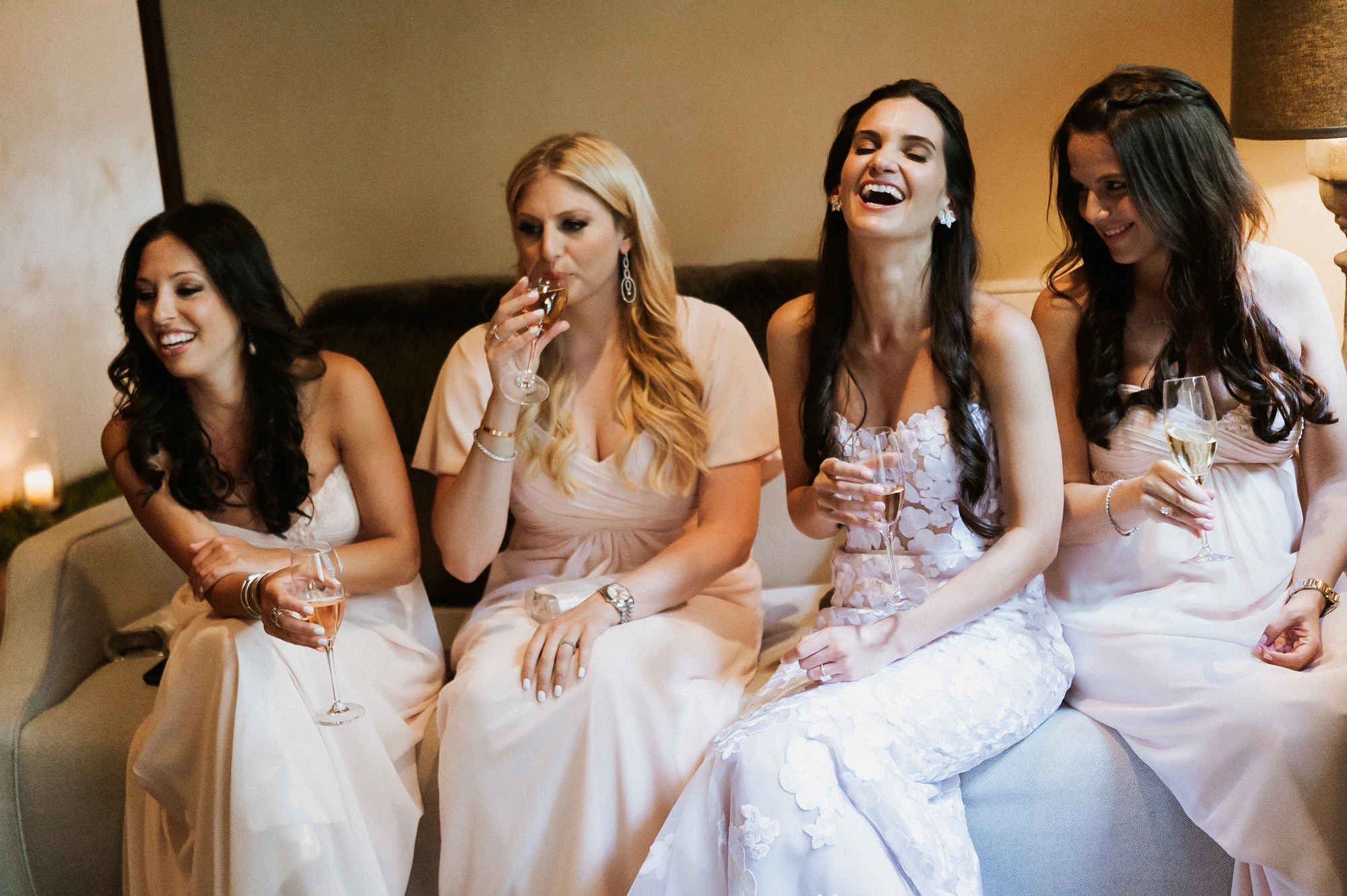


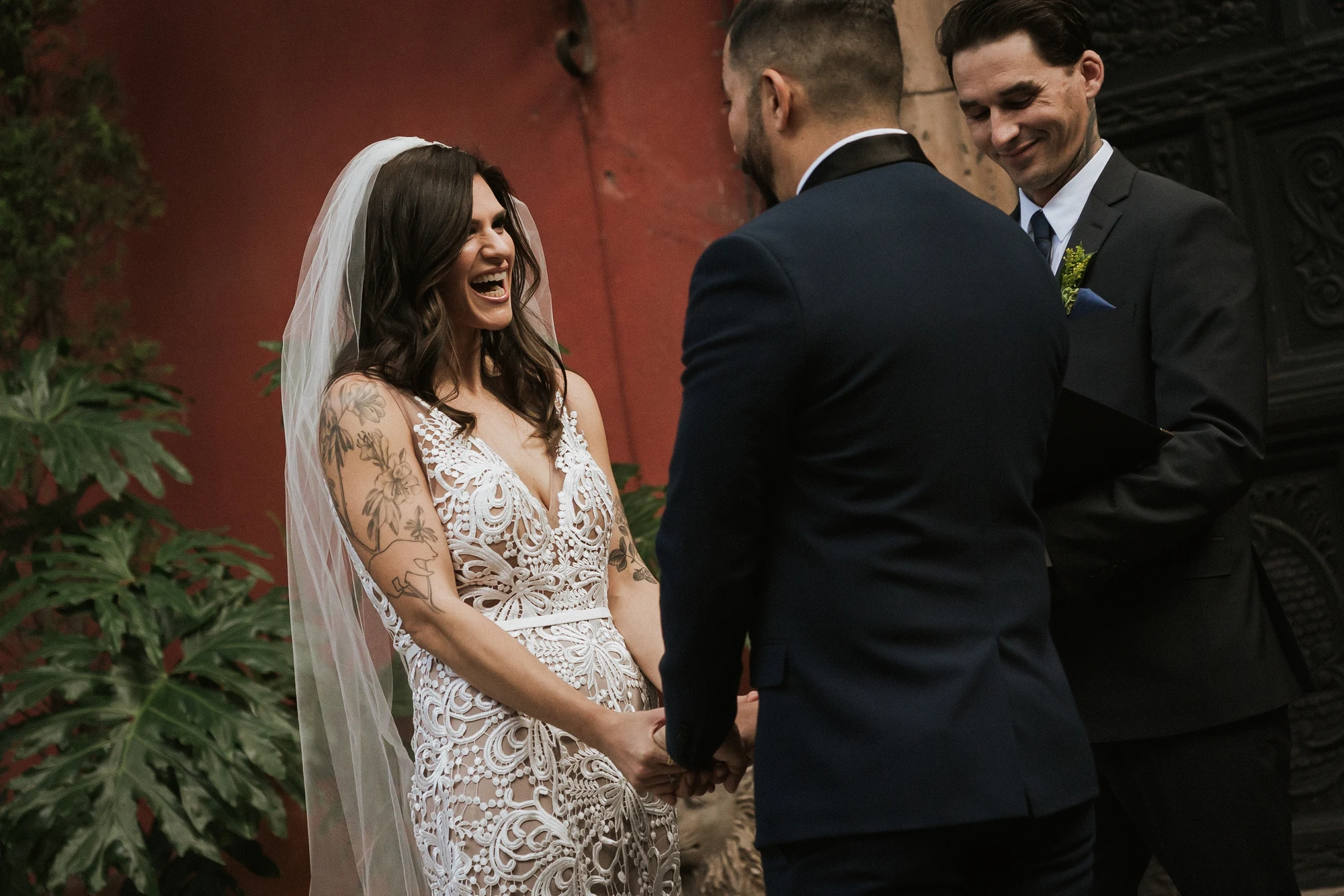
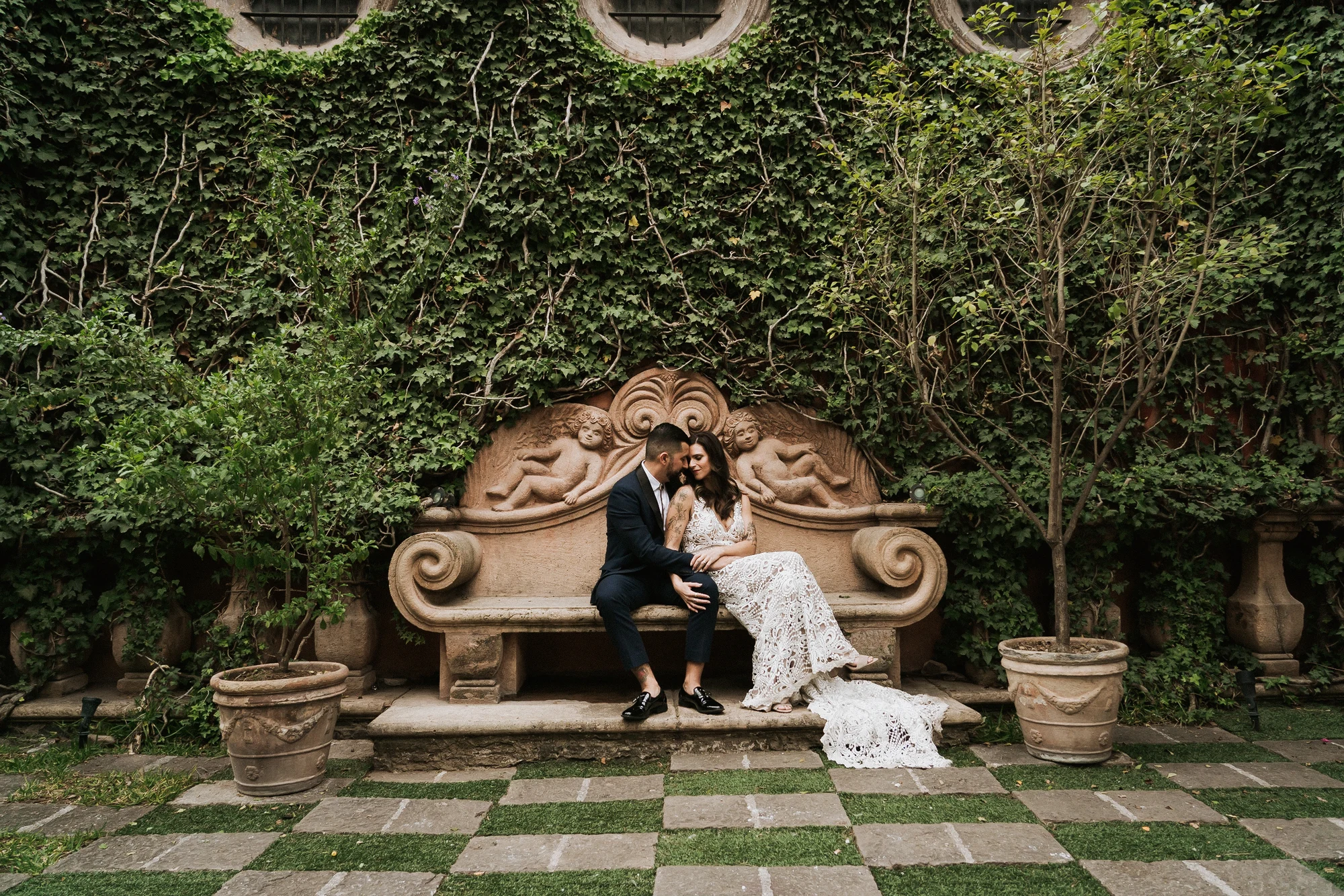
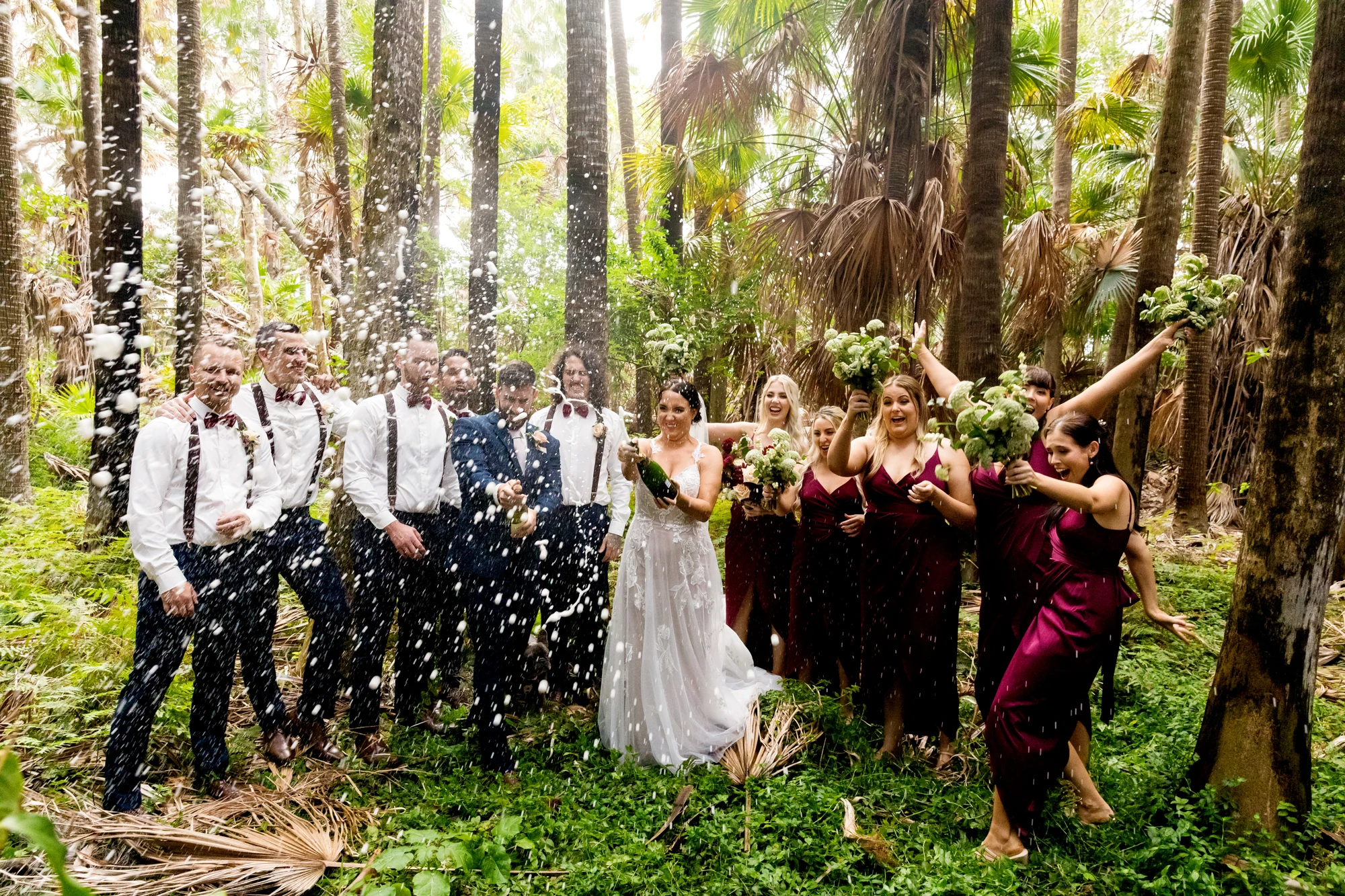
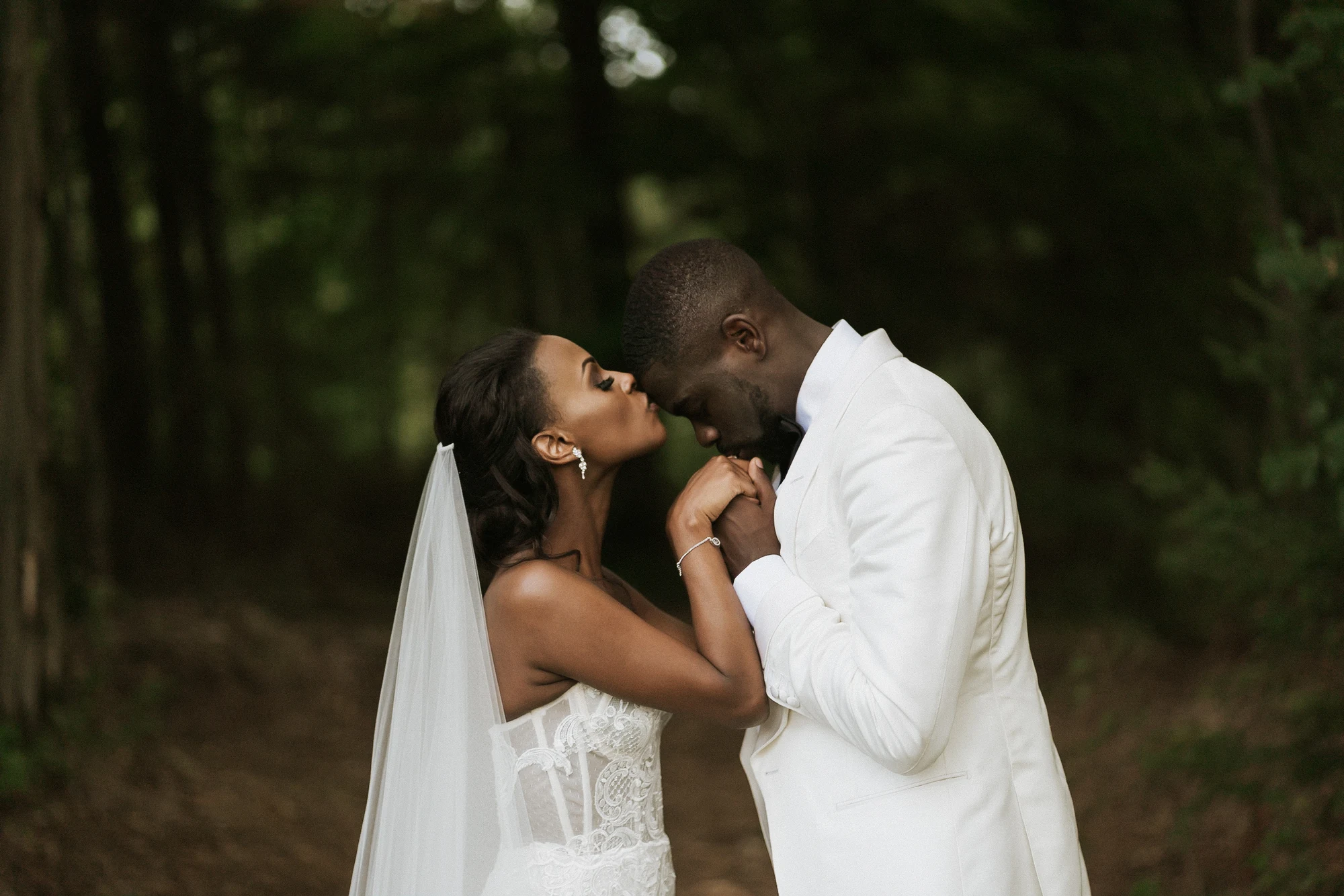
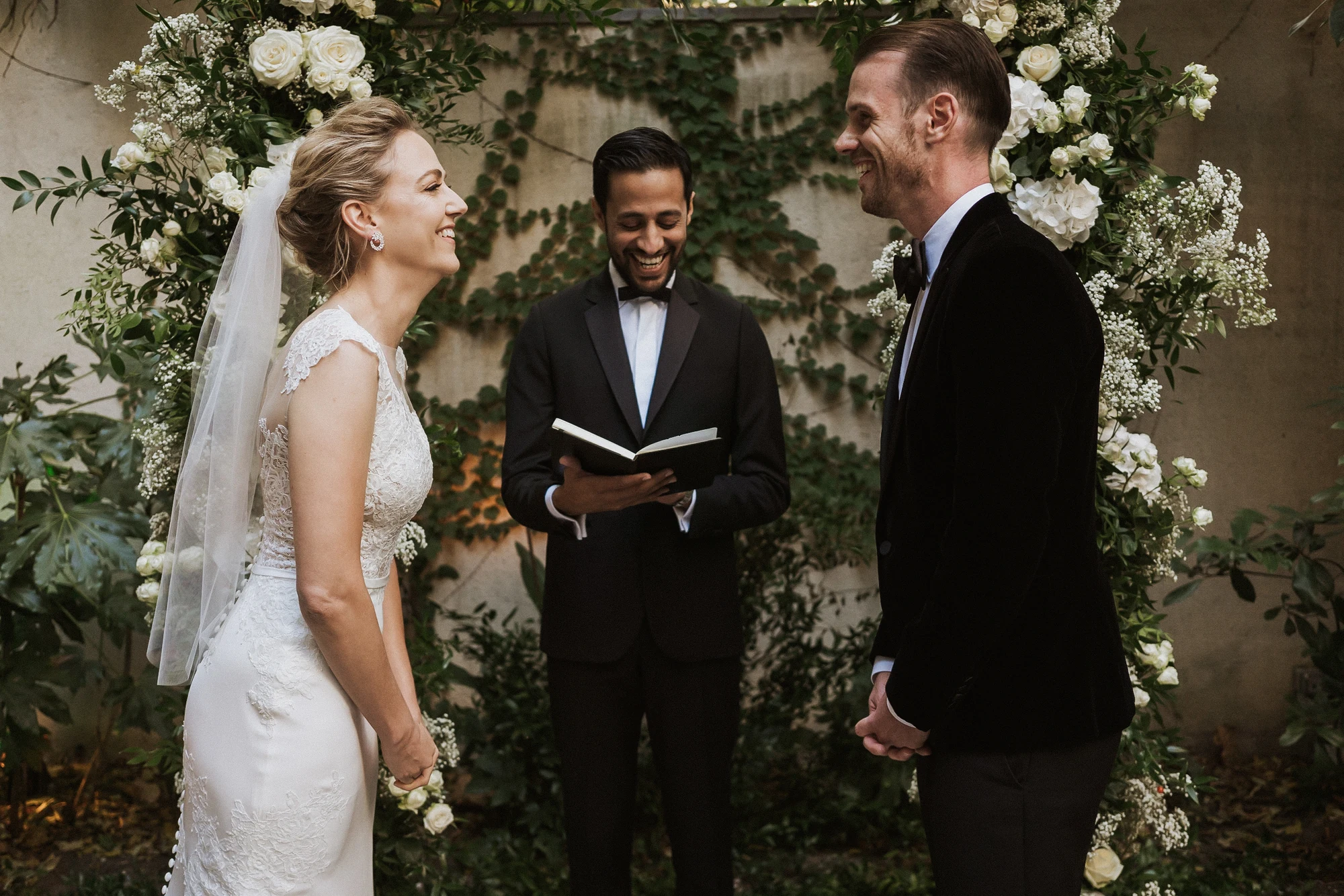



PHAiTO is modular by design.
Cull, Edit, or Personalize your workflow as needed for each shoot.
Cull
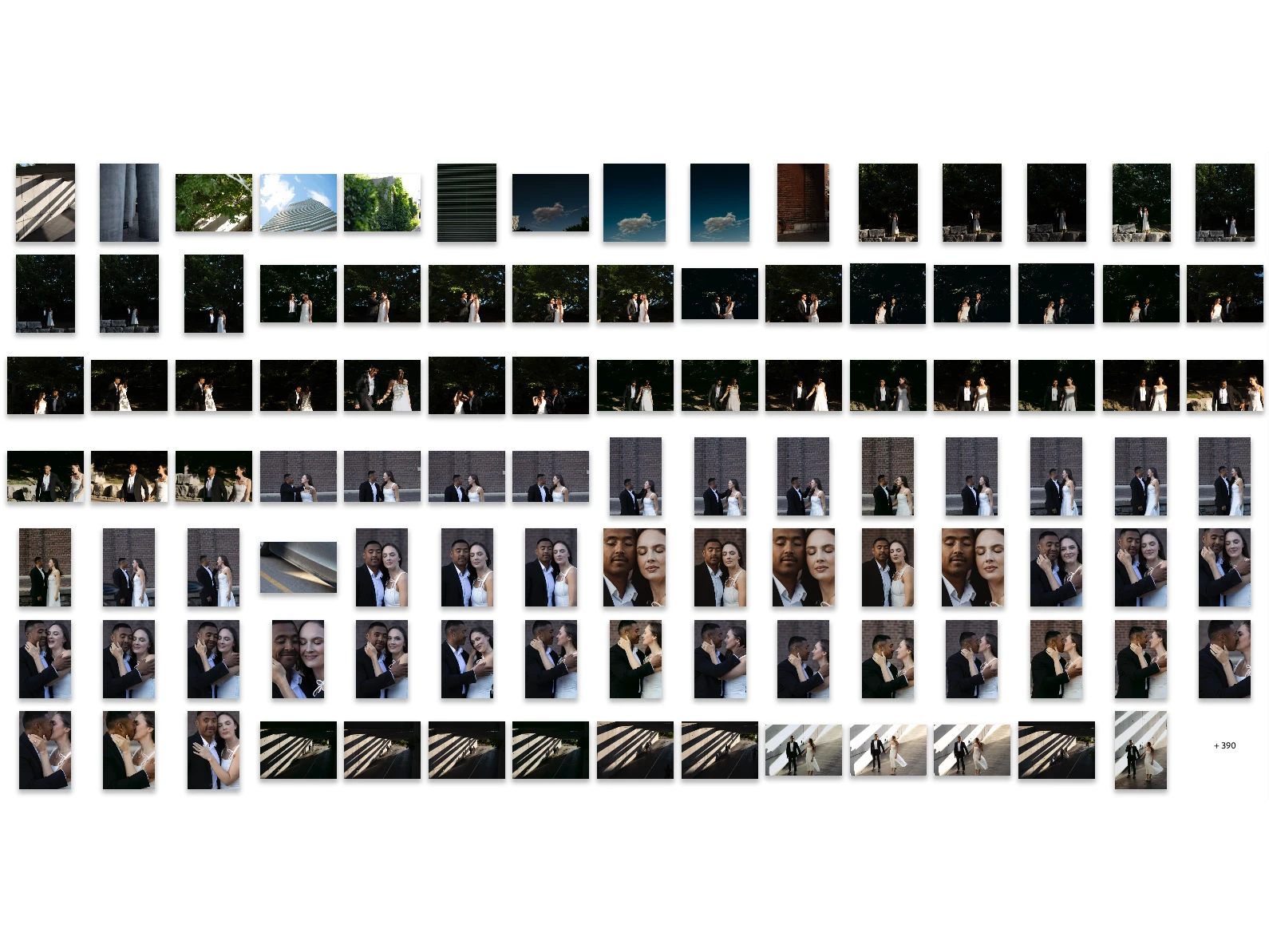
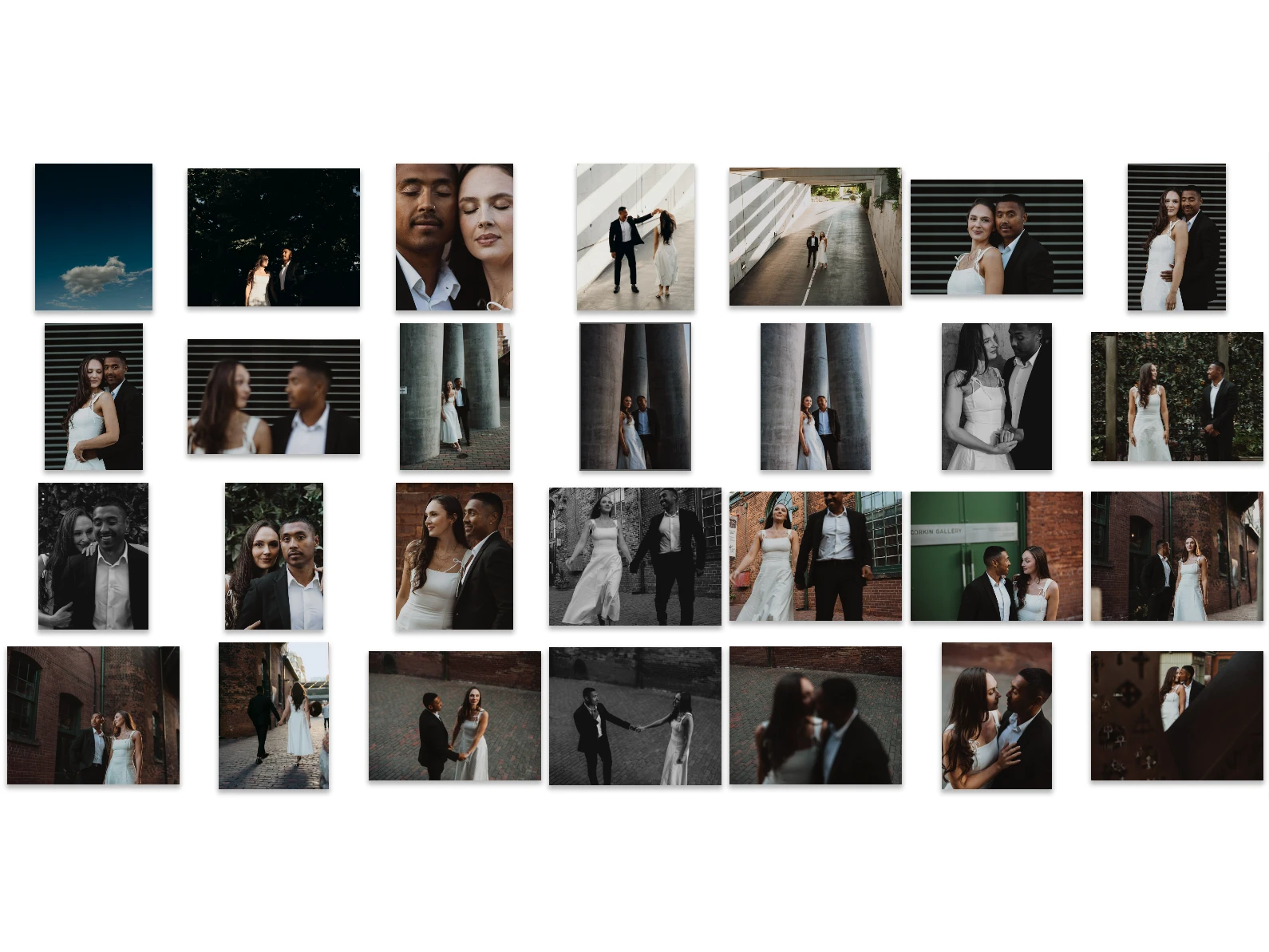
PHAiTO moves beyond basic technical checks. When culling photos, it considers composition, framing, and variety so your shortlist feels curated rather than automated.
Edit
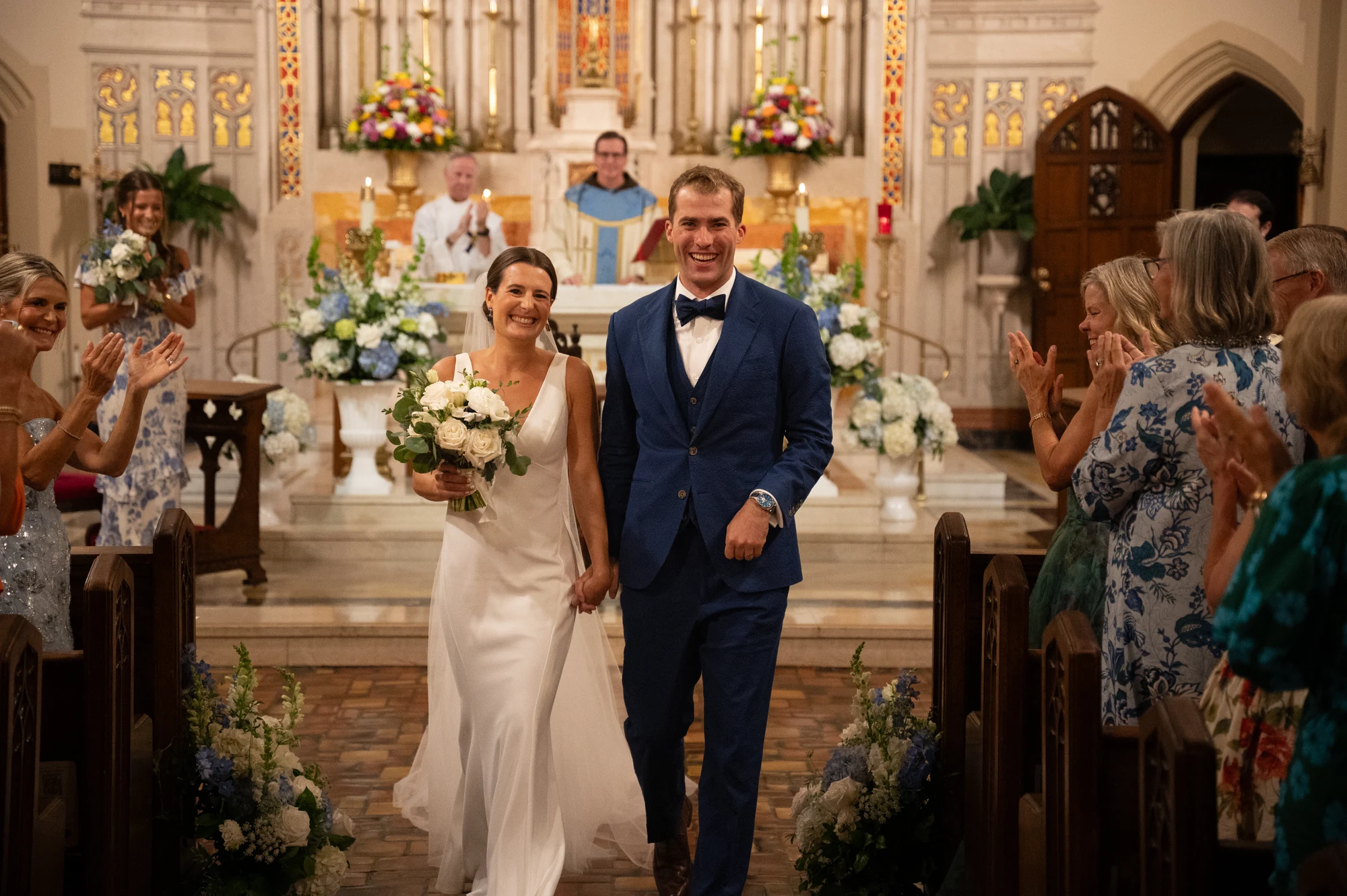
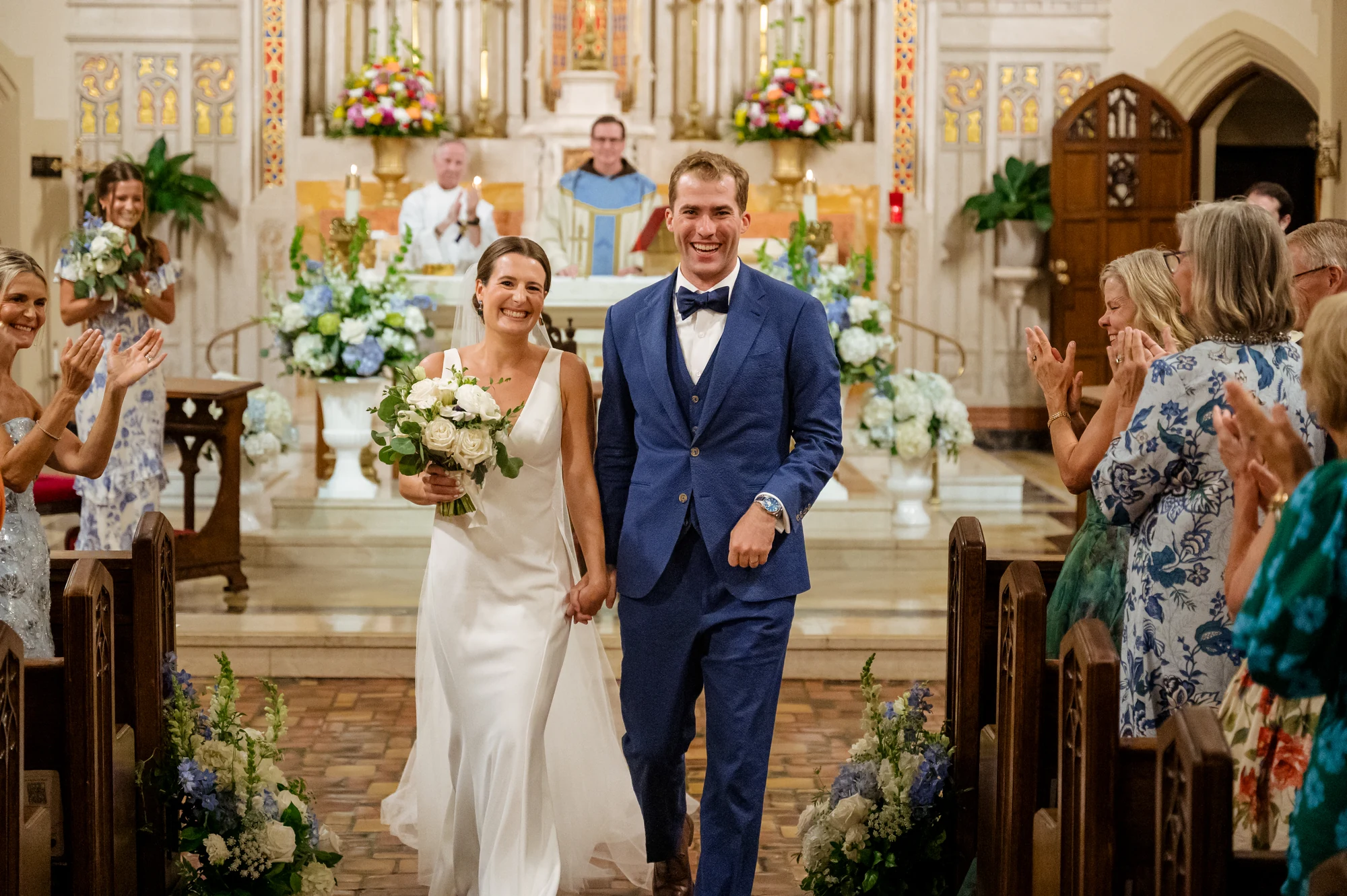
PHAiTO helps bring the colour correction into a clean, cohesive starting point, so it is easier to move into the refinement stage. Built to work directly inside of Lightroom Classic means your workflow stays intact.
Personalize
Upload your preset (instant) or train your profile (48hrs) and PHAiTO creates a tailored starting point that adapts to each scene while staying true to your look.
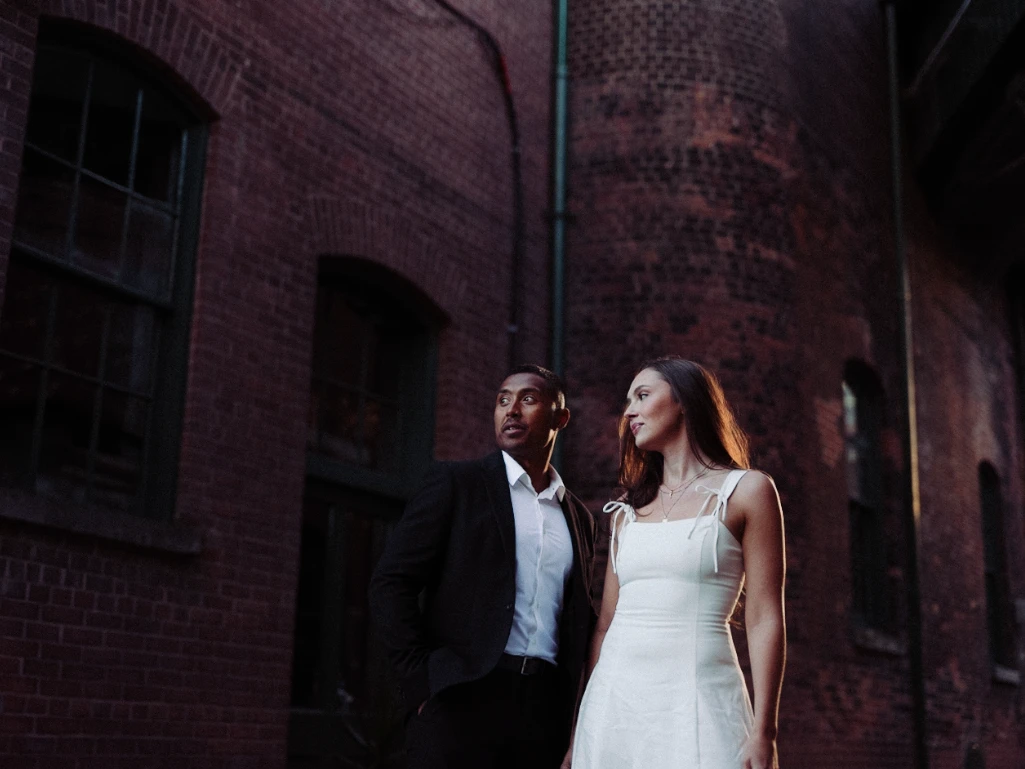
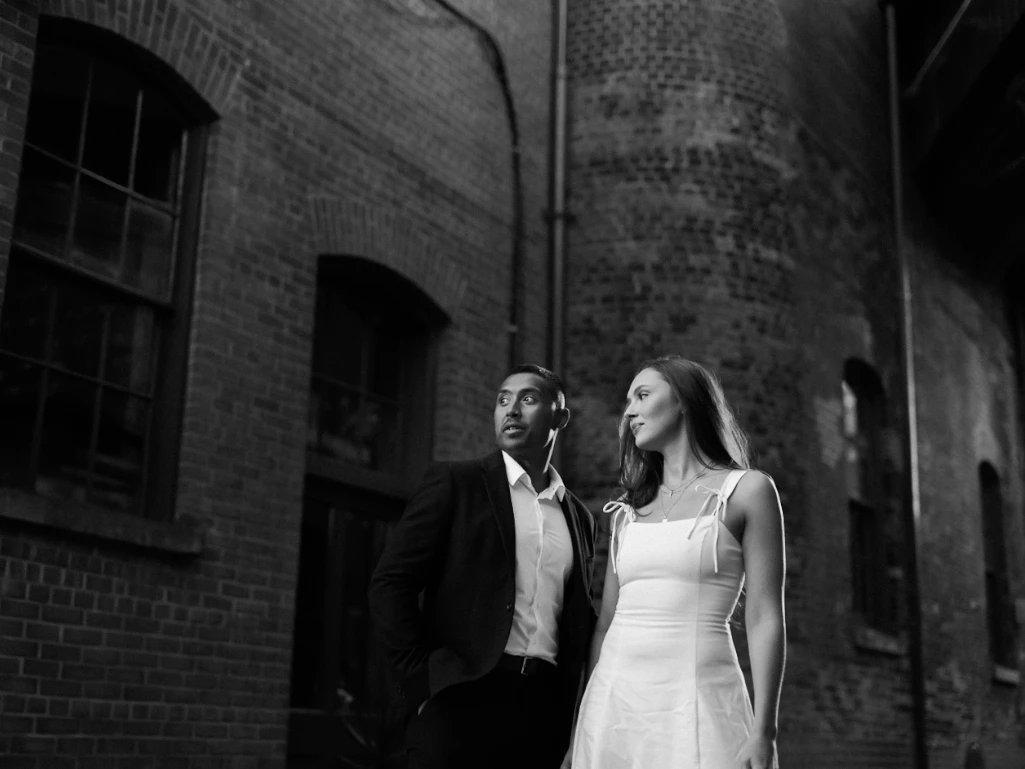
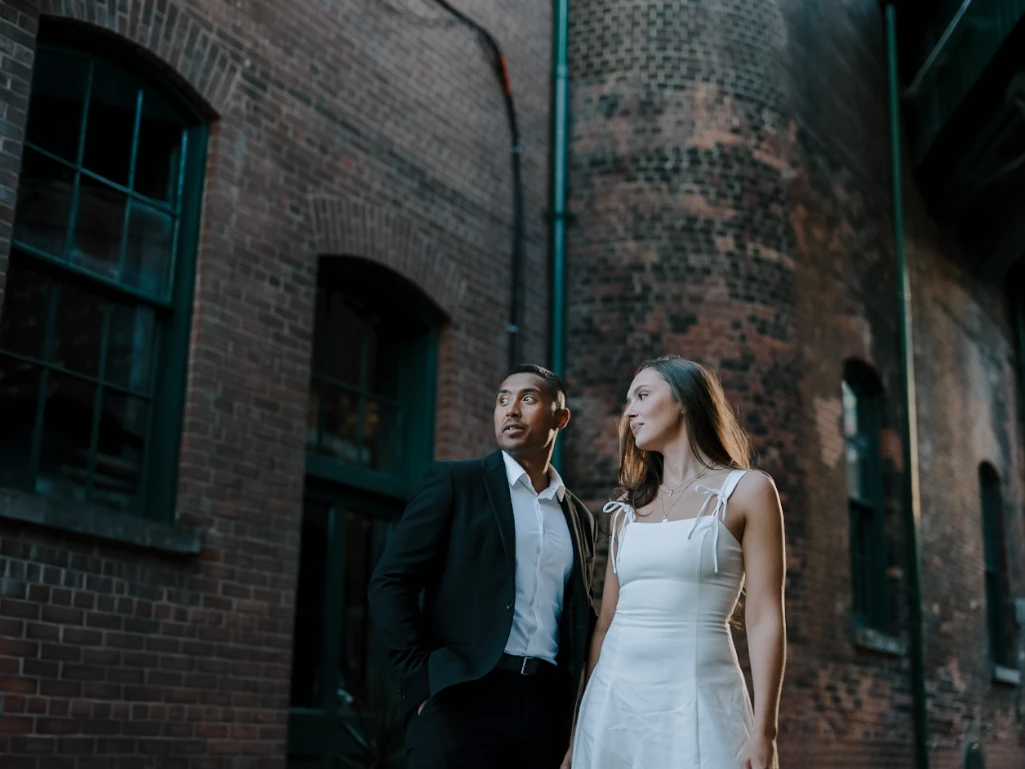
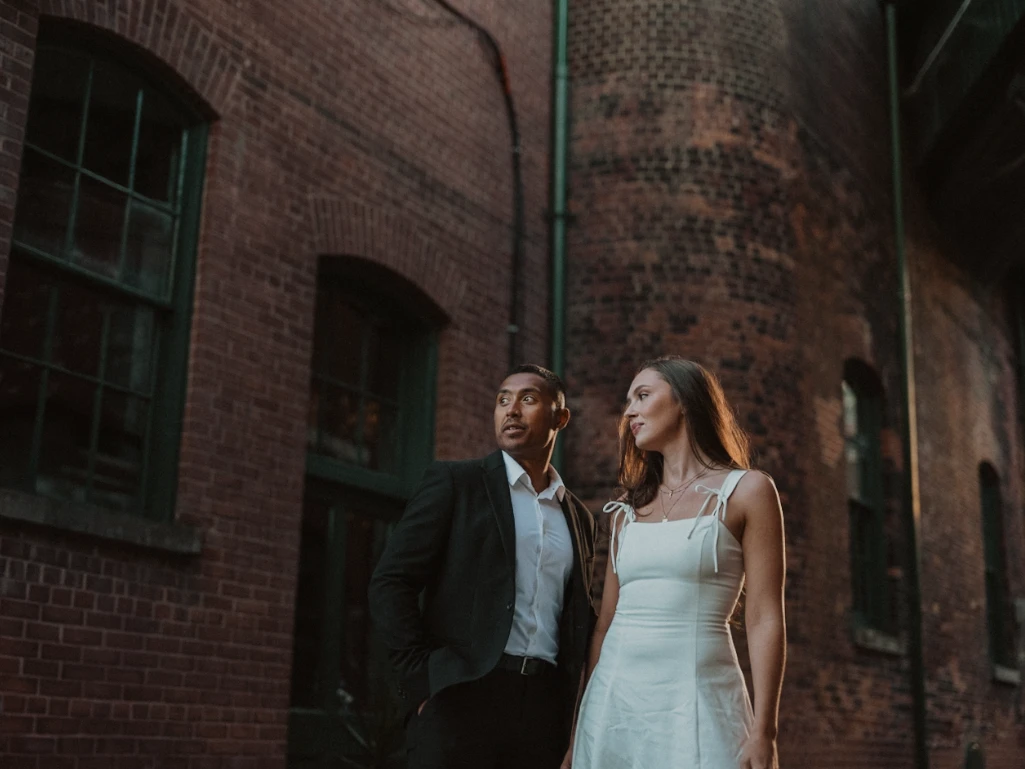
PHAiTO is modular by design.
Cull, Edit, or Personalize your workflow as needed for each shoot.
PHAiTO helps bring the colour correction into a clean, cohesive starting point, so it is easier to move into the refinement stage.
- Less repetitive correction work at the beginning
- A strong base across the entire gallery
- A workflow that feels easier to manage at volume
- More time for final refinements where the photographer's artistic touch matters most
PHAiTO is built to work directly inside of Lightroom Classic, which means your workflow stays intact. There is no export, no format conversion, and no new process to learn.
PHAiTO moves beyond basic technical checks. When culling photos, it considers composition, framing, and variety so your shortlist feels curated rather than automated.
Upload your preset (instant) or train your profile (48hrs) and PHAiTO creates a tailored starting point that adapts to each scene while staying true to your look.
The PHAiTO Workflow
PHAiTO fits into your existing process without replacing it. Here's how it works from start to finish.
Upload Your Images
Open PHAiTO and upload your RAW files or Lightroom Catalog directly. No export or format conversion required, just drag and drop.
Choose your workflow
For culling, choose how tight you want the selects and optionally add a creative prompt. For editing, choose a PHAiTO Look or your personalized profile.
Send and Process
PHAiTO processes your images automatically. Typical turnaround is under 20 minutes for 1,000 images, available 24/7. You'll be notified when your results are ready.
Download and Review
Download your results and open them in Adobe Camera Raw or Lightroom Classic. Culling results appear as stars, flags, or labels. Edits appear as developed settings you can review, adjust, and sync as usual.
pricing
Simple, transparent Ai photo editing pricing. Pay per image or choose a subscription plan.
Try 1,000 images free — no credit card required.
- ✓ No subscription required
- ✓ Pay only for what you use
- ✓ Add-on editing tools available
- ✓ No contracts, no minimums
- ✓ Ai Masks
- ✓ Cropping
- ✓ Straightening
- ✓ Skin softening
- ✓ Flexible tiers for different studio sizes
- ✓ Add top-up credits for volume spikes
- ✓ 100K+ images/year
- ✓ Unlimited profiles
- ✓ Workflow customization
- ✓ Strategic onboarding and support
- ✓ Unlimited images
- ✓ Prompt culling included
- ✓ 1,000 images included in free trial — no credit card required
Optional Enhancements
Optional features are included in all Subscriptions, and available as an add-on when you choose Pay as you Go. Add extra tools only when you need them, and stay in control of both your workflow and your costs.
A Wedding Photography Editing Workflow Built for Momentum
Wedding galleries are large, time-sensitive, and span many different scenes in a single day. Images need to look cohesive, and the result needs to feel consistent from prep through reception.
PHAiTO supports that rhythm by helping photographers move through repetitive correction work faster while keeping the presentation clean and cohesive.
That can mean:
- → Preparing a wedding gallery faster
- → Creating consistency across prep, ceremony, and reception
- → Reviewing images more quickly
- → Keeping style consistent across different shoots
- → Straightening and cropping for wedding galleries
- → Giving clients a stronger starting point for selects
- → Reducing friction before final retouching
- → Delivering polished work on shorter timelines
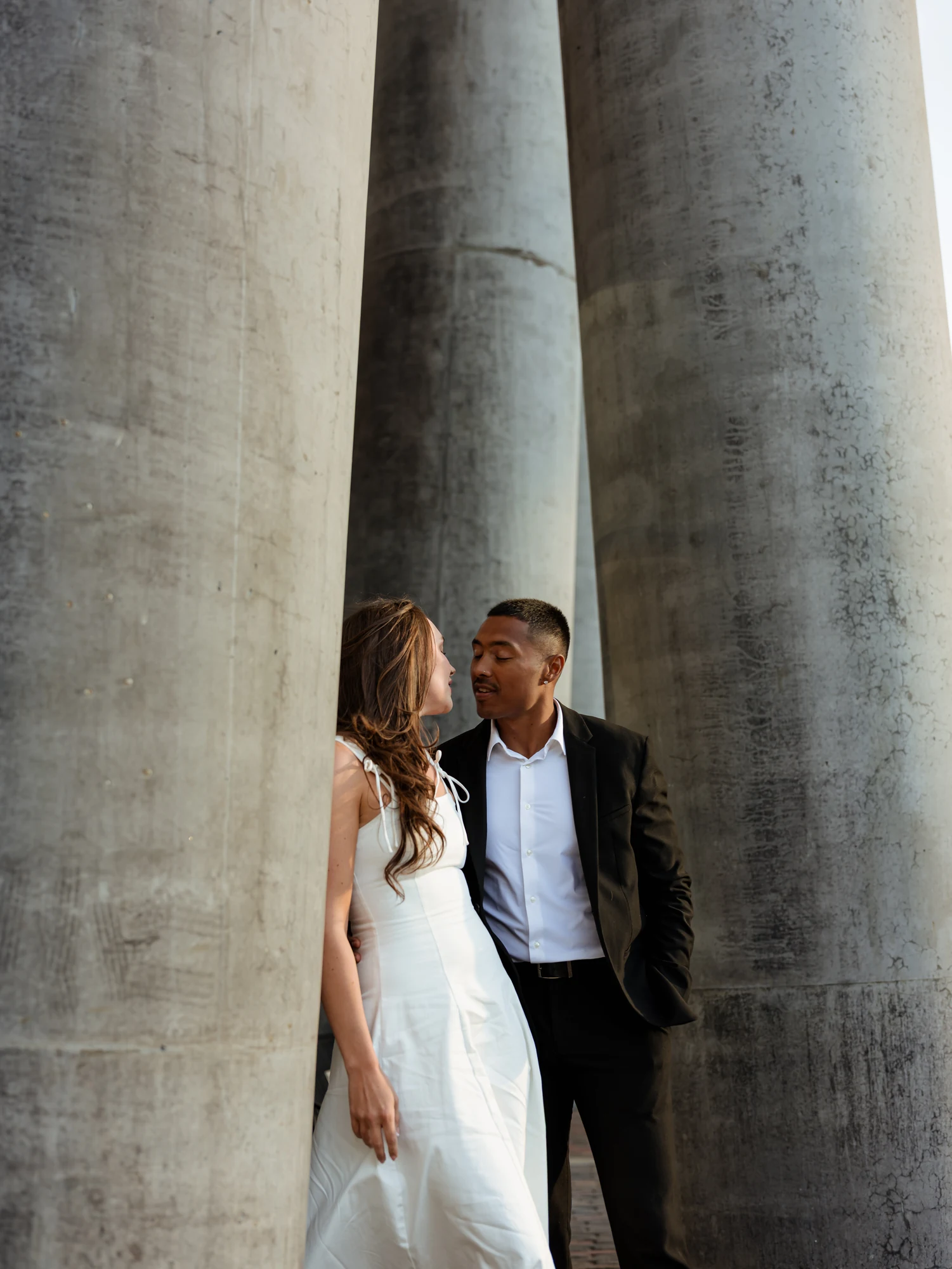
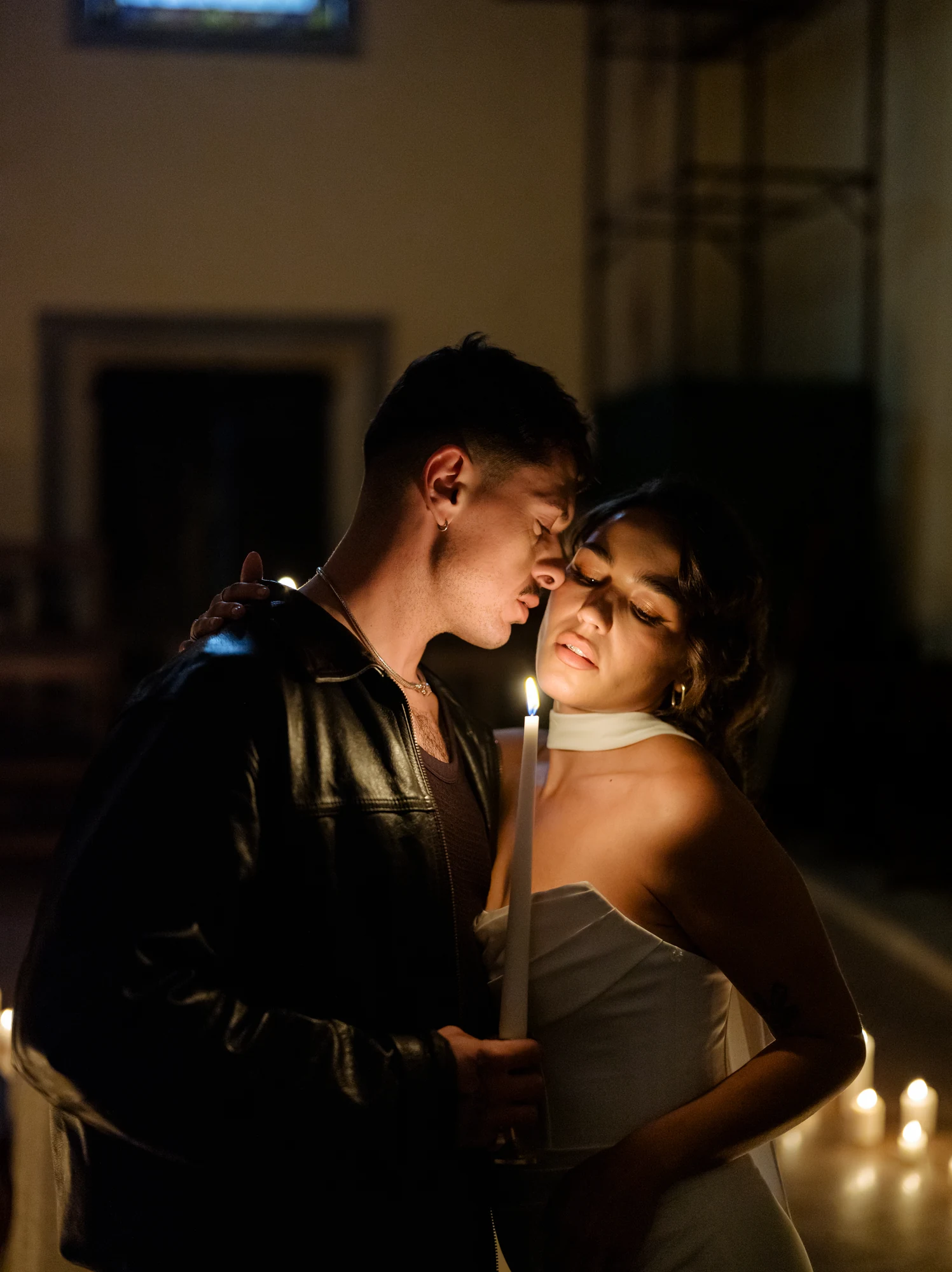
What PHAiTO Offers as Wedding Photo Editing Software
PHAiTO for wedding photography focuses on what matters most in this workflow:
Speed
Move through galleries faster
Selection
Create a polished first pass
Consistency
Keep images balanced across the day
True-to-life presentation
Clean, natural colour
Workflow support
Reduce repetitive setup work
Professional polish
Deliver stronger galleries
Classic
A clean, balanced look with natural colour and consistent contrast, designed to work reliably across full sessions and varied lighting. Known for its true-to-colour finish and timeless feel.
Explore All PHAiTO Looks →
Lush
A rich, dimensional look with vibrant colour depth and natural warmth, ideal for photographers who want boldness without oversaturation.
Explore All PHAiTO Looks →Timing and Turnaround
PHAiTO is fast, and runs 24/7
~15min
Cull only
~20min
Edit only
~25min
Cull + Edit
Based on 1,000 images. Times may vary based on selected options and queue volume.
Proudly built by Image Salon
A team of artists, expert retouchers, and post-production specialists
With offices in Montreal, Canada ❤️✌️🇨🇦
Frequently Asked Questions
Try PHAiTO Free with your next wedding gallery. Start with 1,000 free edits. No credit card required.